
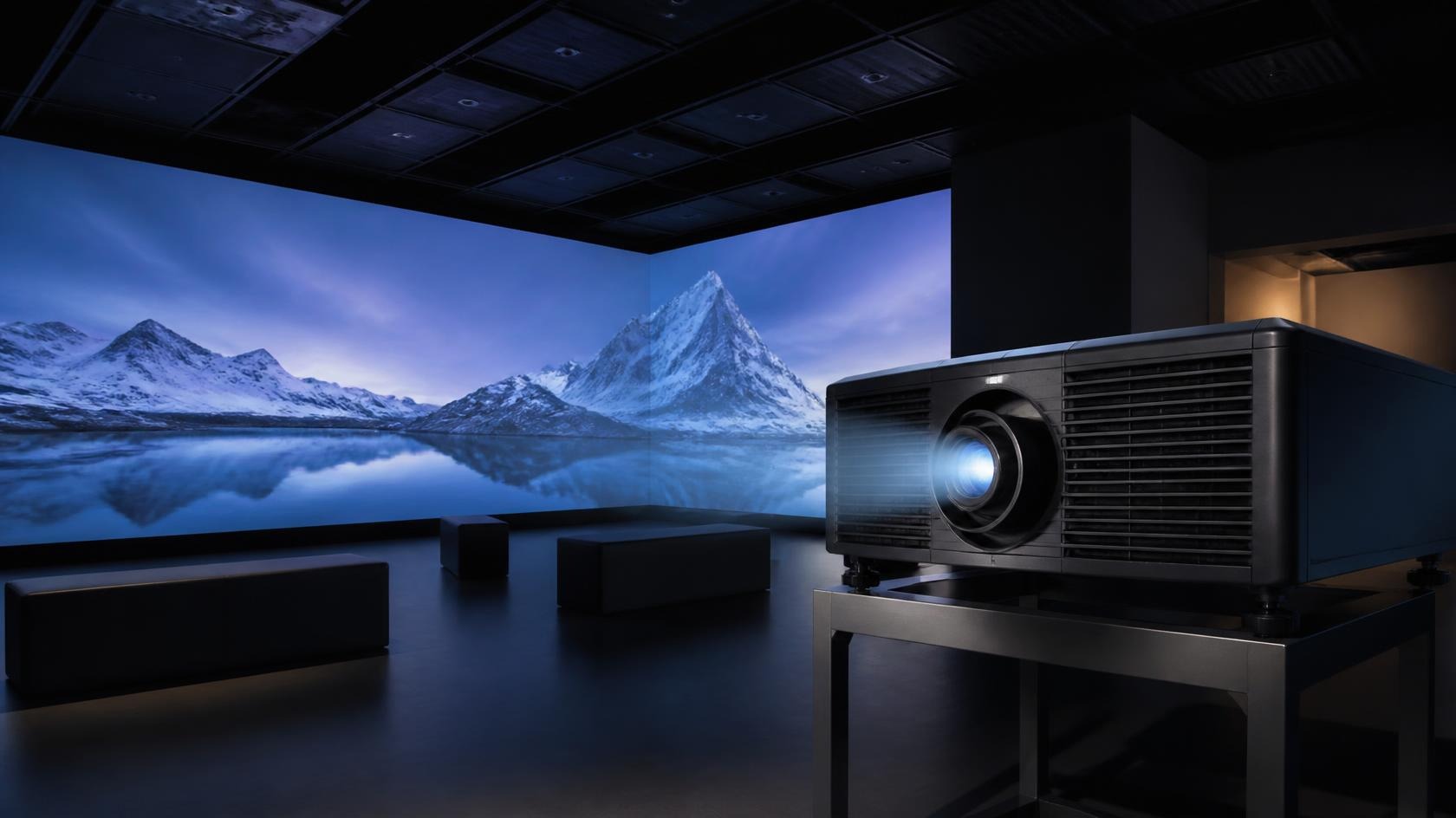
Choosing projectors for an immersive projection project is not simply a question of selecting the model with the highest brightness or resolution. A projector has to work within a specific room, on particular surfaces, with defined content and viewing conditions. The right choice is the configuration that meets the project requirements consistently and can be installed, calibrated, controlled, and maintained in practice.
A useful selection process begins with the environment rather than the equipment. Once the space, projection surfaces, audience positions, content, and operating conditions are understood, brightness, resolution, projection distance, lens options, coverage, and multi-projector requirements can be evaluated in context.
Start With the Projection Environment
The first step is to document the physical conditions of the space. Room dimensions, ceiling height, available mounting positions, projection surfaces, viewing distance, and ambient light all influence the projection system. A configuration that works well in a controlled dark room may not produce the same result in a bright lobby or a space with changing daylight.
- Room dimensions and the required image coverage.
- Wall, floor, ceiling, object, or architectural projection surfaces.
- Ceiling height and available projector mounting locations.
- Typical viewing distance and audience positions.
- Natural and artificial light during normal operating hours.
- Installation access, cable routes, power, and maintenance access.
For multi-projector installations, the environment also affects how many projectors may be needed and how their images can be aligned. Corners, columns, ceiling structures, and irregular surfaces can create shadowing or geometric correction requirements. These conditions should be identified before comparing projector models.
Brightness
Brightness affects how clearly the projected image can be seen against ambient light and how well the image holds contrast across the projection surface. An immersive installation does not automatically need the highest available brightness. Very high output can be unnecessarily costly, create heat and noise, or be difficult to balance with surrounding surfaces. In other projects, a lower-output projector may be insufficient for a large image or a space with significant ambient light.
The important consideration is the relationship between projector output, image size, surface material, screen gain where applicable, ambient light, and viewing conditions. A large image spreads the same projector output over a wider area, which affects perceived brightness. Different wall, floor, or projection-screen surfaces also reflect light differently.
- How much ambient light will be present during normal operation?
- How large is the final projected image or combined image area?
- Will the content include dark scenes, fine detail, or high-contrast imagery?
- Are multiple projectors going to be blended, and can their brightness be matched consistently?
- Will the projectors be accessible for maintenance and will their operating noise affect the audience?
In a multi-projector system, brightness consistency between units matters as much as the output of one projector. Differences in brightness and color across a blended image can become visible, especially on large continuous surfaces. The system design should include a method for matching output, color, and image uniformity during commissioning.
Resolution and Image Quality
Resolution should be considered together with image size and viewing distance. A large image viewed from a short distance demands more pixel density than the same image viewed from farther away. The nature of the content also matters. Detailed maps, fine text, technical diagrams, and high-detail animation may reveal pixel structure more readily than broad atmospheric visuals.
Do not choose resolution in isolation. Lens quality, projector processing, signal path, content resolution, edge blending, and geometric correction all contribute to the final image. A high-resolution projector can still produce a weak result if the content is lower resolution, the lens is not suitable for the required throw distance, or the signal path introduces unnecessary conversion.
- Required image size and the most common viewing distance.
- The level of detail that must remain readable in the content.
- Projector native resolution and how the content will be mapped to it.
- Lens quality and compatibility with the required image size and throw distance.
- Signal source resolution and whether scaling or conversion will be required.
- Multi-projector image alignment and pixel overlap at blend areas.
Projection Distance and Lens Selection
Projection distance and lens selection are closely connected to the room. The available mounting position determines the throw distance, while the lens determines the image size that can be achieved from that position. A projector that is suitable in performance terms may still be unsuitable if it cannot produce the required image size from the available location.
Short-throw and ultra-short-throw options can help when mounting space is limited or when the projection path needs to avoid people, displays, or architectural elements. Standard-throw and long-throw options may be more appropriate where the projector can be positioned farther from the surface. The selected option should account for image size, lens shift, keystone or geometric correction, and the practical ability to align the projector without causing image distortion.
- Available throw distance and acceptable mounting position.
- Required image size and aspect ratio.
- Lens options and whether a suitable throw ratio is available.
- Lens shift, orientation, and alignment requirements.
- Potential obstruction from people, furniture, or architecture.
- Service access and the ability to reach the projector after installation.
Single Projector vs. Multiple Projectors
Not every immersive project requires multiple projectors. A single projector can be appropriate when the required image size, brightness, resolution, surface geometry, and viewing conditions can be met from one position. Multiple projectors become relevant when the image must cover a wider or more complex surface, when higher combined pixel coverage is required, or when the installation needs to distribute projection around the audience.
| Consideration | Single Projector | Multiple Projectors |
|---|---|---|
| Image coverage | Suitable for a defined, manageable surface | Can cover wider or multi-surface areas |
| Blending | No edge blending required | Requires blending and alignment planning |
| Installation | Simpler mounting and signal path | More calibration, control, and maintenance |
| Content mapping | One projection geometry | May require multi-channel content or mapping |
| System planning | Limited to one projection position | Configuration is designed around the space |
Redundancy is a separate question from coverage. A multi-projector system may provide additional flexibility, but redundancy should only be claimed when the system design actually supports it. If continuous operation is important, discuss signal backup, spare equipment, and operating procedures as part of the project requirements rather than assuming that additional projectors automatically provide redundancy.
Consider the Projection Surface
Projection performance depends on the surface as well as the projector. Walls, floors, ceilings, objects, and architectural structures have different color, texture, reflectance, flatness, and viewing characteristics. A surface that looks acceptable from one position may show hotspots, uneven brightness, or reduced contrast from another.
For permanent installations, surface preparation or a dedicated projection surface may be required. For temporary projects, the design may need to adapt to an existing surface without permanent modification. Irregular surfaces may require mapping and geometric correction, while very large surfaces may require multiple projectors and edge blending.
- Wall and floor materials, color, texture, and reflectivity.
- Ceiling structures and overhead projection conditions.
- Architectural features, columns, edges, and irregular geometry.
- Viewing positions and the angle from which the surface will be seen.
- Whether the surface is fixed, temporary, or shared with other uses.
- Requirements for surface preparation, protection, or maintenance.
Consider Content Requirements
Content should be planned alongside projector selection. The content format, framing, resolution, contrast, motion, and synchronization requirements influence the technical configuration. A system designed for a single looping video has different needs from a multi-projector environment with interactive content, live input, and timed audio-visual sequences.
- Static imagery, video, animation, real-time graphics, or interactive content.
- Content resolution and aspect ratio across single or multiple projection surfaces.
- Refresh and playback requirements for the intended experience.
- Synchronization with audio, lighting, sensors, or live performances.
- Source devices, playback servers, signal routing, and control requirements.
- Content changes, updates, and long-term maintenance.
Projector Selection Checklist
- Space: dimensions, ceiling height, mounting positions, and viewing distance.
- Surface: material, color, texture, geometry, and viewing angle.
- Brightness: required output in relation to image size and ambient light.
- Resolution: content detail, image size, and viewing distance.
- Throw distance: available distance and required image size.
- Lens: compatible throw ratio, lens shift, and alignment range.
- Coverage: single projector or multi-projector configuration.
- Installation: mounting, service access, cabling, power, and maintenance.
- Content: format, resolution, playback, interaction, and synchronization.
- Control: signal distribution, switching, monitoring, and daily operation.
Common Projector Selection Mistakes
Projector selection becomes difficult when the equipment is treated as an isolated purchase. A model can appear suitable in a specification sheet but still be the wrong choice for a room because the mounting position is unavailable, the lens cannot produce the required image size, the projection surface changes the result, or the system cannot be controlled in the way the operator expects.
- Selecting a projector before confirming the available throw distance.
- Comparing brightness without accounting for image size, surface, and ambient light.
- Assuming a higher resolution will automatically solve visible pixel structure.
- Ignoring the lens, lens shift, and alignment range needed for the installation.
- Choosing multiple projectors without planning blending, calibration, or maintenance.
- Leaving content resolution, aspect ratio, and playback requirements until after installation.
- Forgetting power, signal routing, mounting access, and service access.
Many of these issues can be identified during early planning. A conceptual layout, a projection schedule, and a clear content brief are often more useful than comparing several projector models without a system context.
Document the Projector Requirements
A clear projector requirement helps the project team compare options consistently. The document does not need to dictate a specific model, but it should describe the conditions the selected projector has to satisfy. It should also identify which requirements are fixed and which can be adjusted as the design develops.
- Required image size, aspect ratio, and number of projection surfaces.
- Expected viewing distance and primary audience positions.
- Ambient light during normal operation.
- Available mounting positions and throw distance.
- Lens, lens shift, and alignment requirements.
- Single or multi-projector coverage and blending needs.
- Content resolution, format, playback, and synchronization requirements.
- Control, monitoring, and daily operating requirements.
- Service access, ventilation, power, and cable routing.
The requirement should also state what is not known yet. For example, if the final surface material has not been selected, the projector choice may need to remain flexible. If the room lighting is not fixed, the system design may need to include adjustment options or a higher operating margin.
Questions to Discuss With a Technical Partner
A technical partner can help translate project goals into a workable configuration, but the discussion is more useful when the key questions are already identified. The following questions can guide a review meeting with a projection specialist or system integrator.
- Which surfaces are fixed, and which can still be modified?
- What content will be shown most often, and what is the most demanding content?
- How many people will view the experience at one time?
- Will visitors move through the space or remain in a defined viewing area?
- What happens if a projector or signal source is unavailable?
- How will the system be started, stopped, monitored, and updated?
- What maintenance tasks should be possible without specialist support?
- How will the installation be tested and accepted before opening?
These questions connect projector selection to the wider project. They also help separate technical requirements from preferences. A preference for a specific image size, for example, may need to be balanced against available mounting positions or the geometry of the room.
Related Technologies
Projector selection is one part of a broader system. The final design may also involve edge blending, projection mapping, interactive sensing, content playback, control, and installation planning. Reviewing the complete system early can prevent a projector decision from creating unnecessary constraints later.